maker
For a Production Desktop Product, Wails Is Still the Sanest Choice. Here Is What the Tables Don't Tell You.
August 1, 2026 · 10 min read
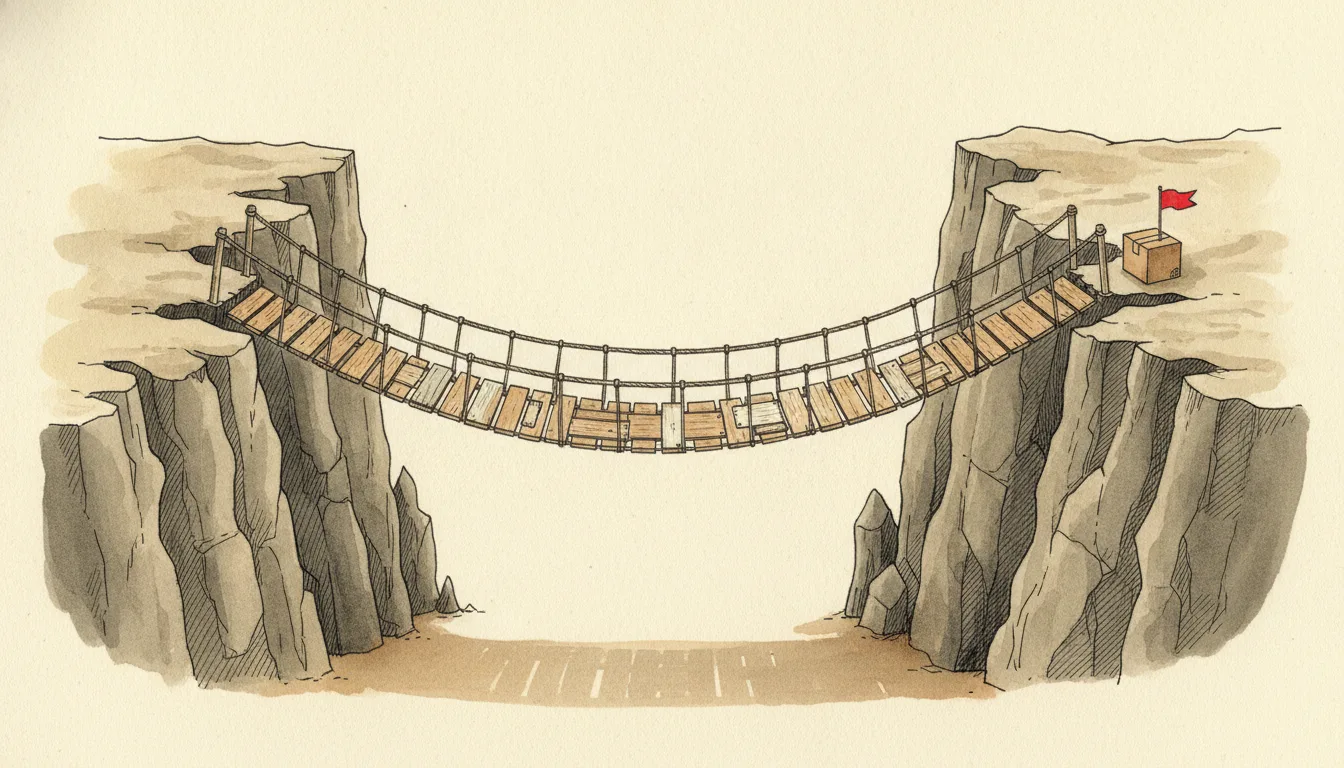
The Comparison Table Was the Easy Part
I wrote about why I picked Wails in an earlier post. Electron felt heavy, Tauri’s Rust side wore me down, and Wails hit the balance I wanted with Go’s simplicity. That post ends with a table: bundle size 20 MB, learning curve moderate, build process smooth. All of it true. Looking back now, that table was the easiest part of the whole job.
Because choosing a tool is one thing, and shipping a real product with it is another. I built Seodisias, my SEO crawler, with Wails, and the process taught me this: every “Electron vs Tauri vs Wails” article on the internet describes the first five minutes. wails init, wails dev, a window on the screen. Those five minutes are magical, yes. But getting that window to open cleanly on someone else’s computer took six months. This post is my notes from those six months. The part the table never shows.
Let me say this upfront: this is not a warning-off post, quite the opposite. I shipped with Wails, my product runs on three operating systems every day, and if I started over today I would pick Wails again. For anyone building a desktop product for production, I recommend it with a clear conscience. What follows is not a list of regrets; it is the set of subtleties nobody told me on the way in, the kind that turn into craft once you learn them.
The Bridge Is Clean in the Demo and Collapses Under Load
Wails’ most marketed feature is the bridge between Go and the frontend. You write a function in Go and call it from JavaScript as if it were local. In a demo it is enchanting. Write GetUser(), call it from the UI, get a user back. Five lines.
The problem is that real applications do not call GetUser. Seodisias is a crawler; a single scan produces thousands of rows. And I did the rookie thing: finish the crawl in Go, return the entire result to the UI in one shot. That is what the bridge is for, right?
It is not. Pushing thousands of rows through the bridge means serializing all of it to JSON, carrying it into the webview, and parsing it again on the other side. With a few hundred rows you never notice. With a few thousand, the app freezes, and your user starts reaching for the close button wondering if it crashed.
The lesson is simple but it took time to see: the bridge is a control channel, not a data pipeline. Use it to say “start this job”, “cancel that”, “how far along are we”; do not haul truckloads of data through it. The fix had two halves. On the Go side, the crawl no longer accumulates results and returns them wholesale; it emits events with runtime.EventsEmit as it progresses, and the frontend consumes the data piece by piece. On the screen, instead of rendering everything at once, there is virtual scrolling; only the visible rows are rendered while the rest wait in memory.
Everything Is Async, and You Have to Make Peace with It
The second subtlety in the bridge is sneakier. A bound Go function may look synchronous from JavaScript, but it actually returns a Promise. You have to await it, or what you are holding is not data, it is a promise of data.
That sounds small, but it shapes the architecture from the start. Think of a long job, say a thirty-second crawl. If you await it and wait, the UI can say nothing for that entire time. If you want a progress bar, a “342 pages crawled” counter, you have to separate the call that starts the job from the channel that reports progress. Here too I ended up with events: the starting function returns immediately, and progress arrives on its own event stream.
And then there is cancellation, which no getting-started guide covers. The user starts a crawl and gives up halfway. That goroutine is still running, still firing requests. How do you stop it? The answer is native Go: context.Context. You thread the context you get at startup into the crawl, the cancel button cancels that context, and the running goroutine sees it and shuts down cleanly. Wails hands you this context, but what you do with it is up to you. Nobody tells you; you learn it the hard way.
“Wails Doesn’t Bundle Chrome” Is Not Purely Good News
Where does Electron’s 150 MB come from? It embeds an entire Chromium. Wails does not; it uses the operating system’s own webview. That is the source of the size advantage, and everyone writes it up as a win.
The part nobody writes: it means your app runs on a different browser on every operating system. WebView2 on Windows, which is the Edge engine. WebKit on macOS, Safari’s engine. WebKitGTK on Linux. You assume all three render the same HTML the same way; they do not.
I got bitten in the place I least expected: fonts. A layout that looked spotless on macOS aligned a touch differently on Windows; a line shifted here, an icon crowded its label there. Date pickers, scroll behavior, support for certain CSS features all vary from webview to webview. I thought the sentence “it worked on my machine but wouldn’t open on Windows” died with Electron. It did not die; it changed clothes. It no longer lives in the backend, it lives in CSS and webview differences.
The rule I took away: never develop on one OS and assume the rest will follow. I developed on a Mac, but I stopped calling any screen finished before testing it on Windows. This is Wails’ hidden tax. Some of what you save in bundle size, you pay back in testing.
The Truly Deadly Valley: Signing
Everything so far is a code problem. Code problems get solved; they are even fun. But the gap between a prototype and a shippable product has a valley in it, and the part that wore me down the most was not code.
I compiled the app, it worked, lovely. I told a friend, “download this and try it.” macOS refused to open it: “damaged, would you like to move it to the Trash?” It was not damaged. It was unsigned. Gatekeeper treats every unsigned, un-notarized app this way. For the user to open it anyway, they have to type terminal commands or wrestle with settings. Nobody does that. I would not.
The steps of this valley are easy to list and hard to walk. On macOS: an Apple Developer account, a Developer ID certificate, signing the app, then submitting it to Apple’s servers for notarization. Windows is its own story: skip signing and SmartScreen shows your user a red screen that says “unknown publisher, this app might harm your computer.” Getting past that takes a code signing certificate, with its cost and its setup pain. On top of that, on Windows you get the separate chore of making sure the WebView2 runtime exists on the user’s machine.
None of this is Wails’ fault; it is operating system security policy. But Wails articles never mention it. They say “20 MB build, one command” and never write that making that 20 MB file openable on a user’s machine will cost you weeks. Honestly: of Seodisias’ six months, maybe two went into code, and the rest went into this kind of shippability work. Where the code ends is not where the product ends.
The Build Is One Command, and I Ship Three Platforms from One Mac
wails build really is one command. And here Wails deserves real credit: today I produce all three platform builds from a single machine, my Mac. The Windows build comes straight off the Mac via cross-compilation; Go’s cross-compile comfort largely survives in Wails. Linux is fussier, because system dependencies like WebKitGTK enter the picture; I solved that with Docker: a container that builds inside a Linux image, also one command. So there is no “maintain a machine park per platform” tax; one Mac and one Docker cover three operating systems.
What actually eats time is not the build but the signing chain I described above, which runs separately per platform. My concrete advice from this: script your release ritual at the first opportunity. I wired build, packaging, and signing into a single flow; “let me cut a release” went from an afternoon project to a ten-minute ritual. Every release you do by hand cools you off from shipping the next one; a scripted release makes you want to ship.
The Go Side: Not Wails, Discipline
There is one more area where Wails is not directly at fault but the desktop makes you bleed: concurrency. A crawler manages hundreds of requests in parallel. Go’s goroutine model is tailor-made for this, but tailor-made still needs measurements. On my first attempt I let five hundred goroutines loose at once; the target server rate-limited us, connections dropped, half-finished work piled up in memory.
The fix is not desktop-specific, but the desktop makes it visible: a semaphore that caps concurrent work, a worker pool, and a clean stop for everything in flight when the app closes. On a server, a goroutine leak can live unnoticed for months; on a desktop, if the window closes and the fans keep spinning, that is an instant complaint. The desktop forces discipline on you, because the user’s machine is not a server you monitor.
Would I Pick Wails Again
After all this shop talk, the question: starting over, would I still choose Wails? Yes. Without hesitation. Let me go a step further: if I were starting a production desktop product today, Wails would still be the sanest choice on the table.
Because most of the pain I described is not Wails-specific; it is the nature of shipping a desktop app. Signing, notarization, webview differences, distribution; I would have lived through all of it with Electron or Tauri too, and most of it more heavily. What Wails gave me was a backend written in Go’s plain style, real progress without stalling on Rust’s learning curve, and in the end an almost comically small application to hand to users: today’s production build of Seodisias is 8 MB. I once put 20 MB in my comparison table; reality came in tidier than my own estimate. To anyone arriving from the Electron world, that number looks like a typo. It is not. The promise held, and the product keeps proving it in production every day.
But I read those shiny comparison tables differently now. The bundle-size row turned out even better than I claimed, today’s build is 8 MB; and it is still the least important row in the table. The rows that matter are not in the table: pass control through the bridge, not data; test every webview separately; budget weeks for signing; automate distribution from day one. The real cost of a tool shows up not on the install screen, but on the day you get it to open cleanly on somebody else’s computer.
So I will keep it short: pick Wails, but prepare for the work of shipping, not the five-minute demo. The table gets you in the door; what keeps you standing is everything the table leaves out.
And if you get stuck somewhere on this road, write to me. From the table that froze the bridge to Gatekeeper’s “damaged” message, I have fallen into every one of these holes and climbed out of each with a note; sharing those notes is something I genuinely enjoy.